Skip to content
Scan2Lift

Nutrition and training for iPhone

See food. Know more.

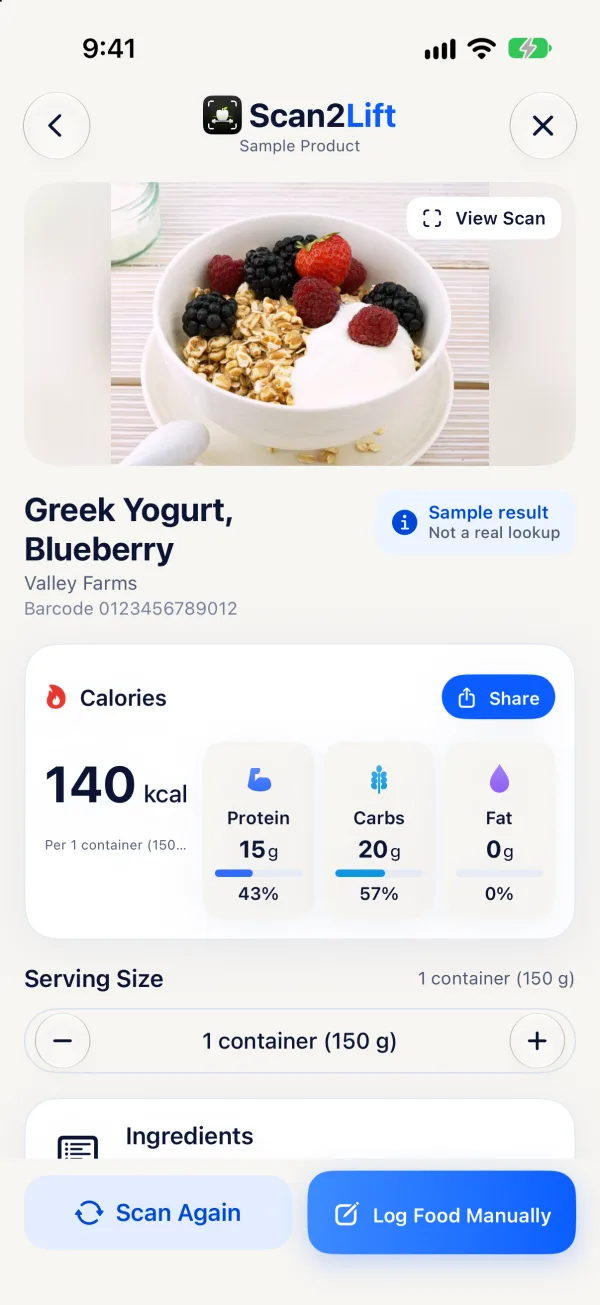
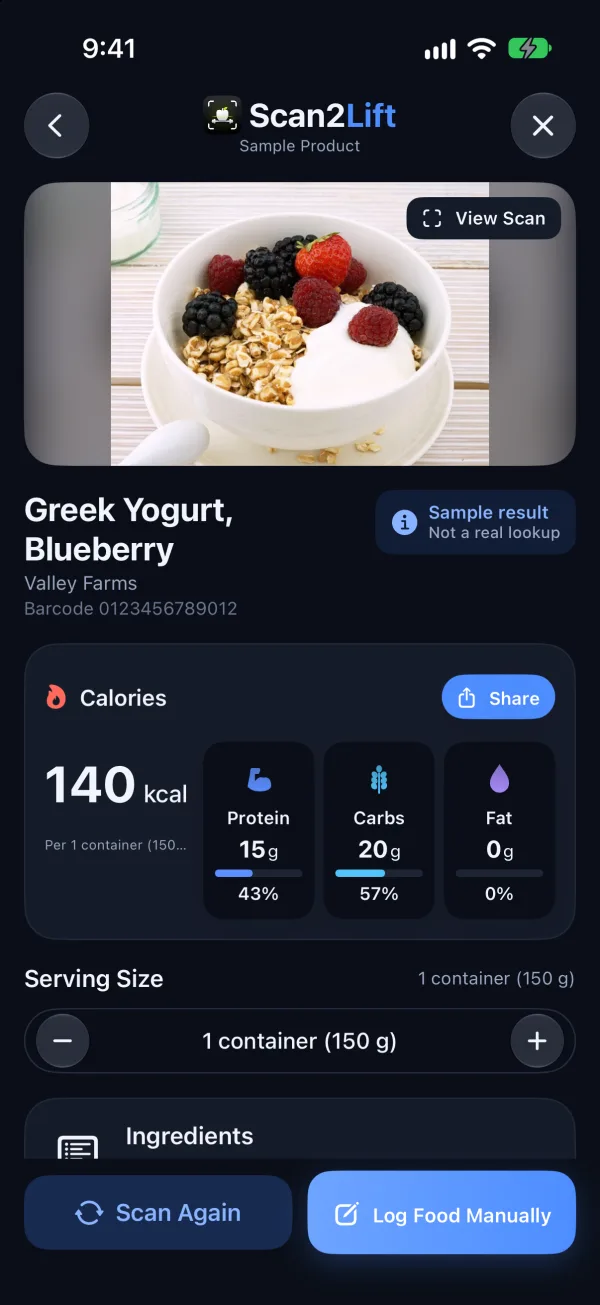
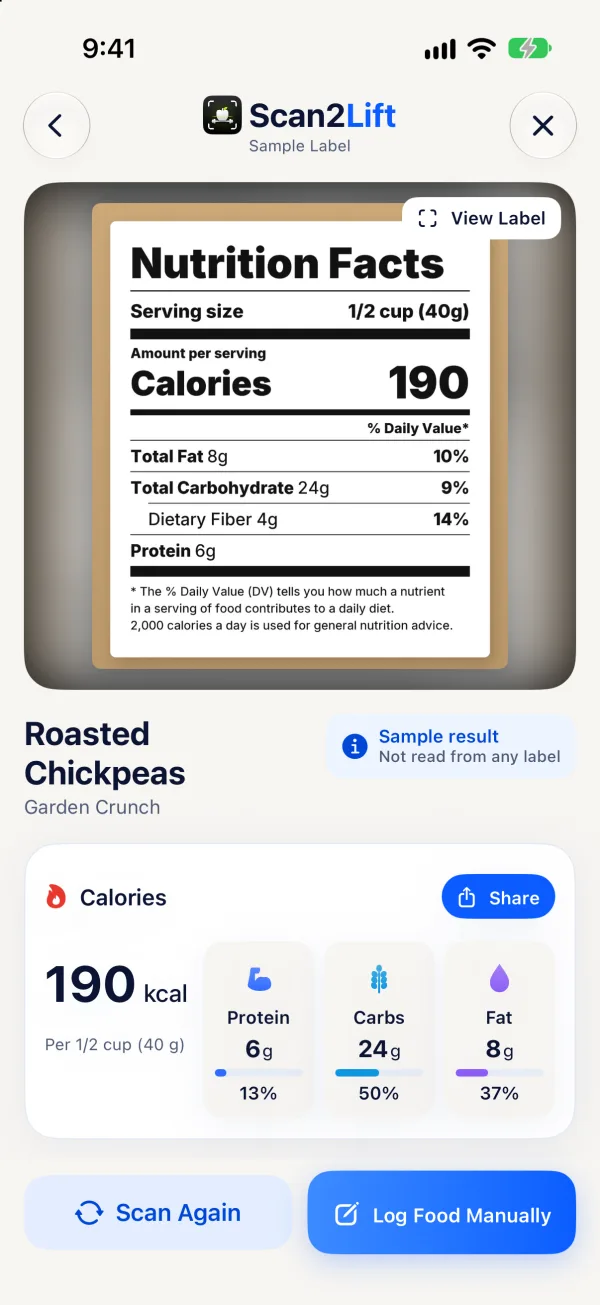
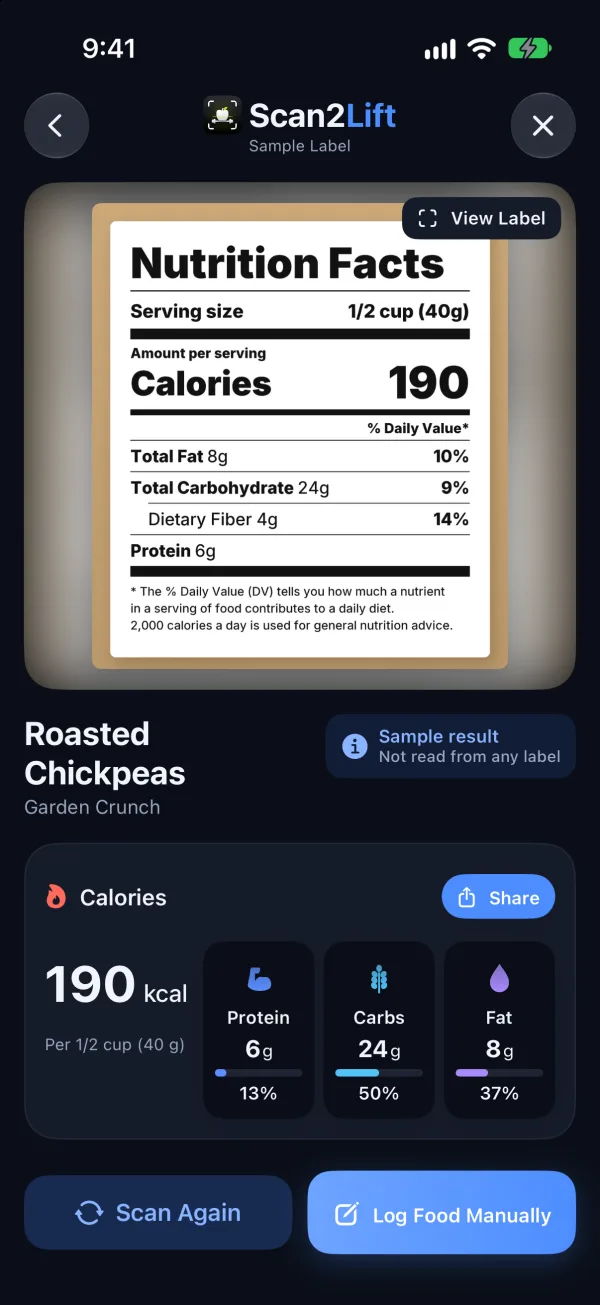
Scan meals, barcodes and nutrition labels. Track calories and macros. Follow workouts built for your goals, and watch it come together in your progress.

Download for iOSComing soon to the App StoreDownload for AndroidNot available yet

Scan2Lift for iPhone is in final testing and not on the App Store yet. There is no Android app at this time.

How Scan2Lift works

Three steps, every day.

  1. 1

    Snap or scan

    Photograph a meal, scan a barcode or a nutrition label, or type what you ate.

  2. 2

    Check and log

    Review the food, portion and macros, change anything, then add it to breakfast, lunch, dinner or snacks.

  3. 3

    Train and see progress

    Follow your weekly workouts, log every set and see nutrition, training and Apple Health side by side.

Food scanning

One scanner. Meals, barcodes and labels.

The raised Scan button in the middle of the tab bar opens the camera in three modes. Pick one, and Scan2Lift does the rest.

Snap a meal

Take or choose a photo of your plate. Scan2Lift estimates the dish, its ingredients and portion weights, calories and macros. Every value stays editable before you add it to your diary.

Available now: AI Meal Scan uses Google Gemini, only after you turn on AI Data Sharing (18+). Scan2Lift does not store the photo.
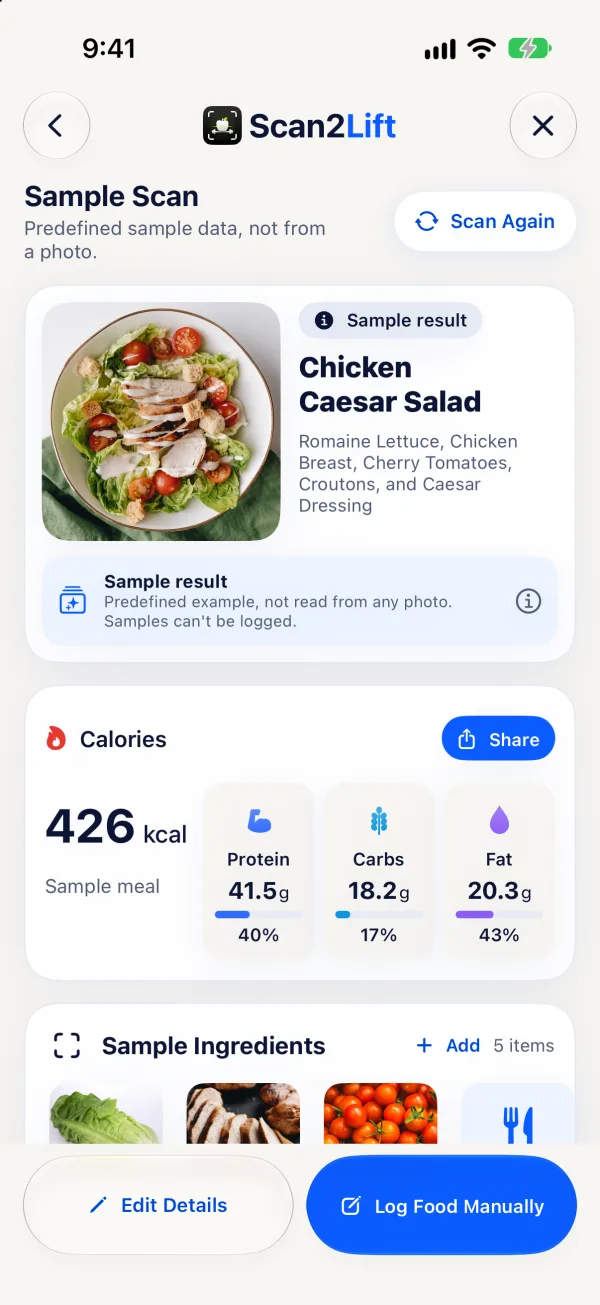
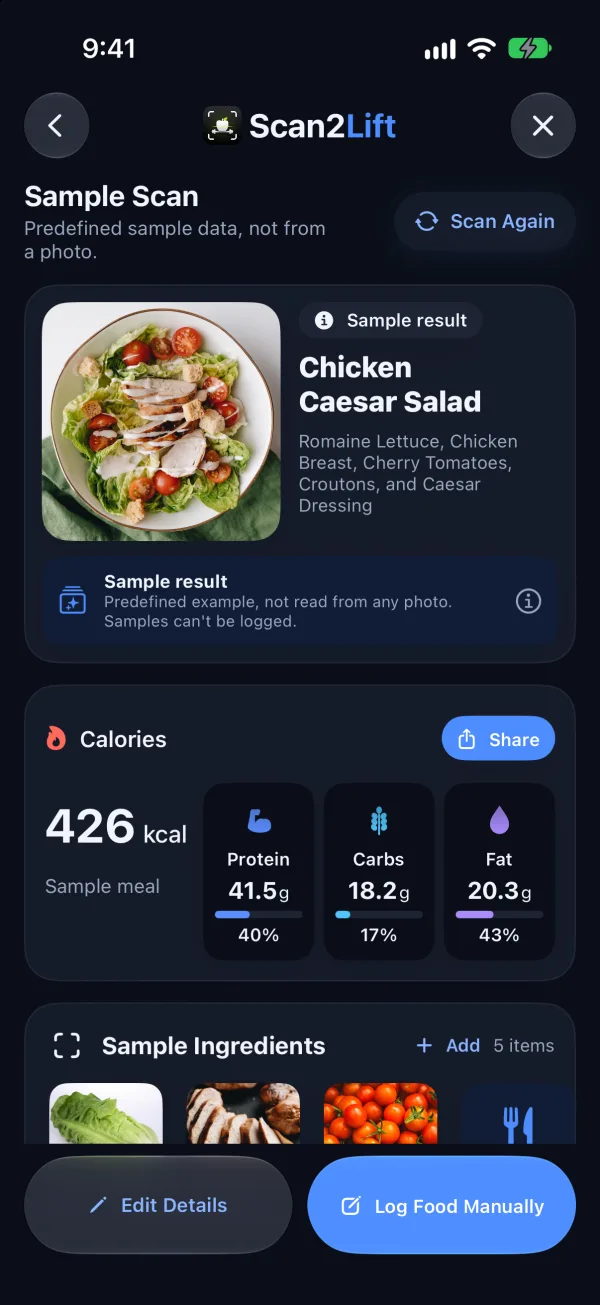
Scan2Lift sample scan result for a Chicken Caesar Salad: 426 calories, protein, carbs and fat, and the ingredientsScan2Lift sample scan result for a Chicken Caesar Salad: 426 calories, protein, carbs and fat, and the ingredients

Calories, macros & meals

Your whole day on one screen.

Home shows what's left, not just what's eaten: calories remaining against your target, protein, carbs and fat, water and your streak.
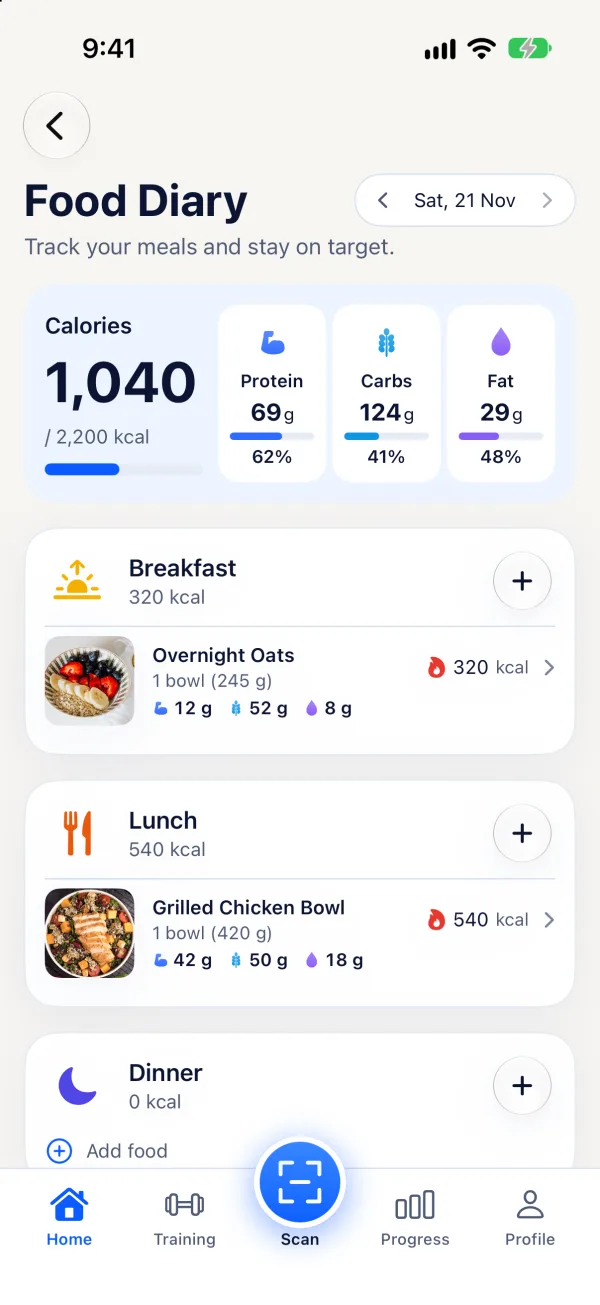
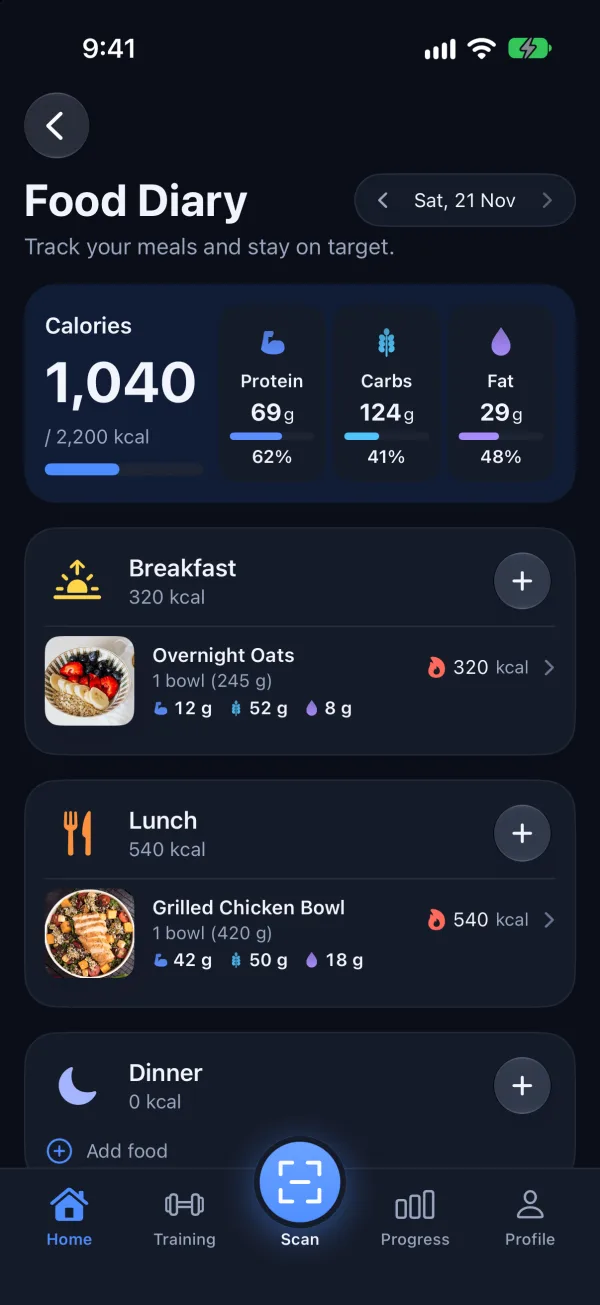
  • A daily calorie and macro target from your profile and goal, which you can adjust.
  • Meals grouped into breakfast, lunch, dinner and snacks, with recipes, saved meals, Build a Meal and custom foods.
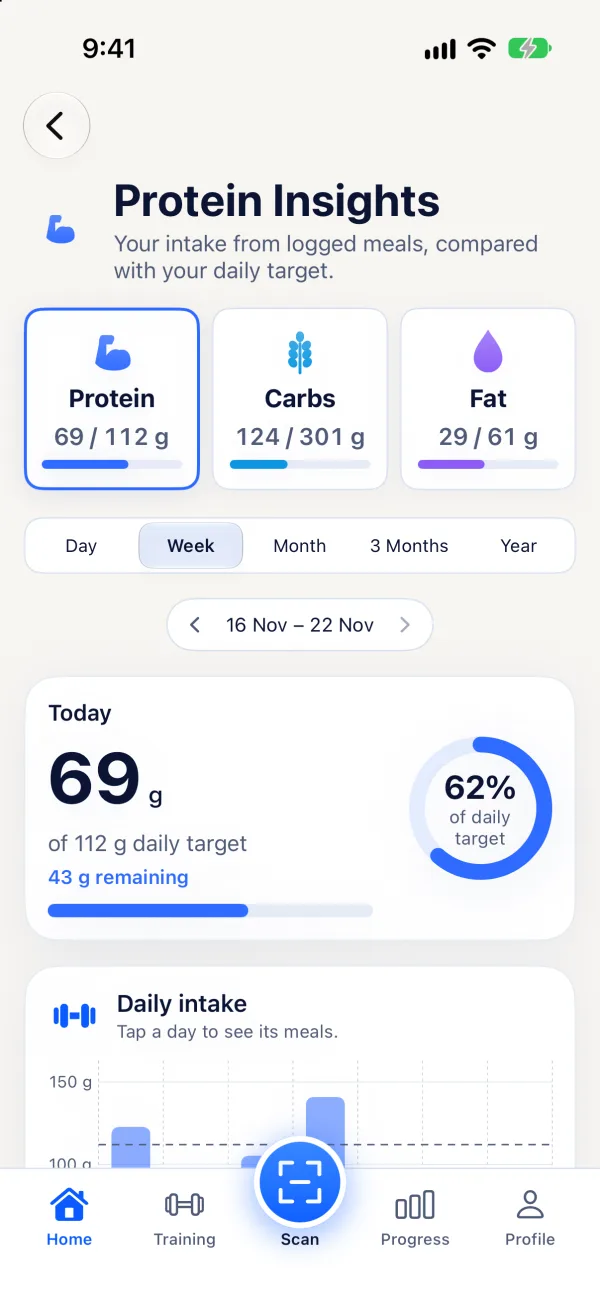
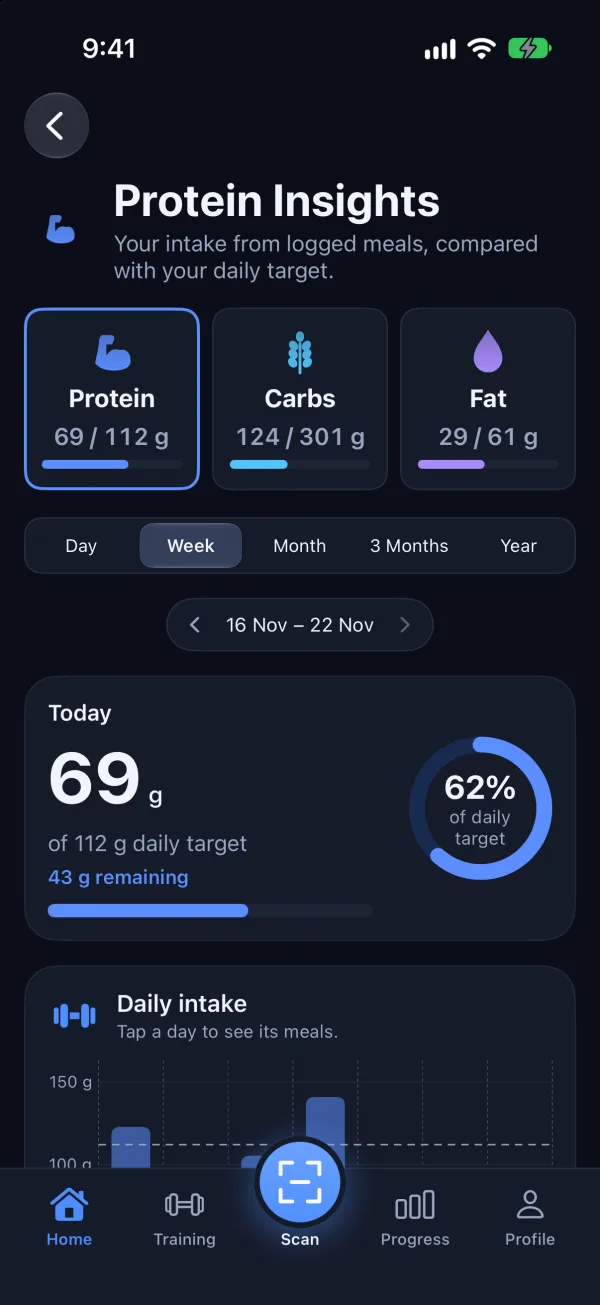
  • Protein, carbs and fat insights by day, week, month and longer.
  • Water tracking, a daily streak with its calendar, and past days kept with the goals you had then.
  • Home Screen widgets for today's calories, macros, water and streak.
Scan2Lift Food Diary with 1,040 calories logged and meals for breakfast, lunch and dinnerScan2Lift Food Diary with 1,040 calories logged and meals for breakfast, lunch and dinner
Scan2Lift Protein Insights: 69 g of a 112 g daily target with a weekly chartScan2Lift Protein Insights: 69 g of a 112 g daily target with a weekly chart
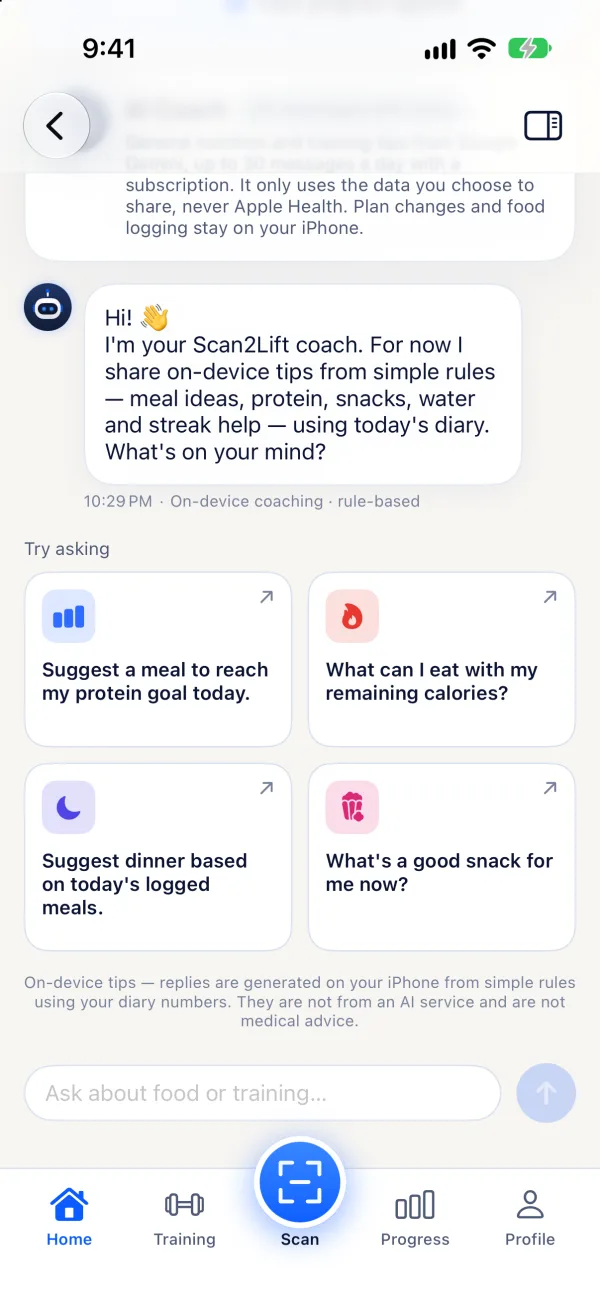
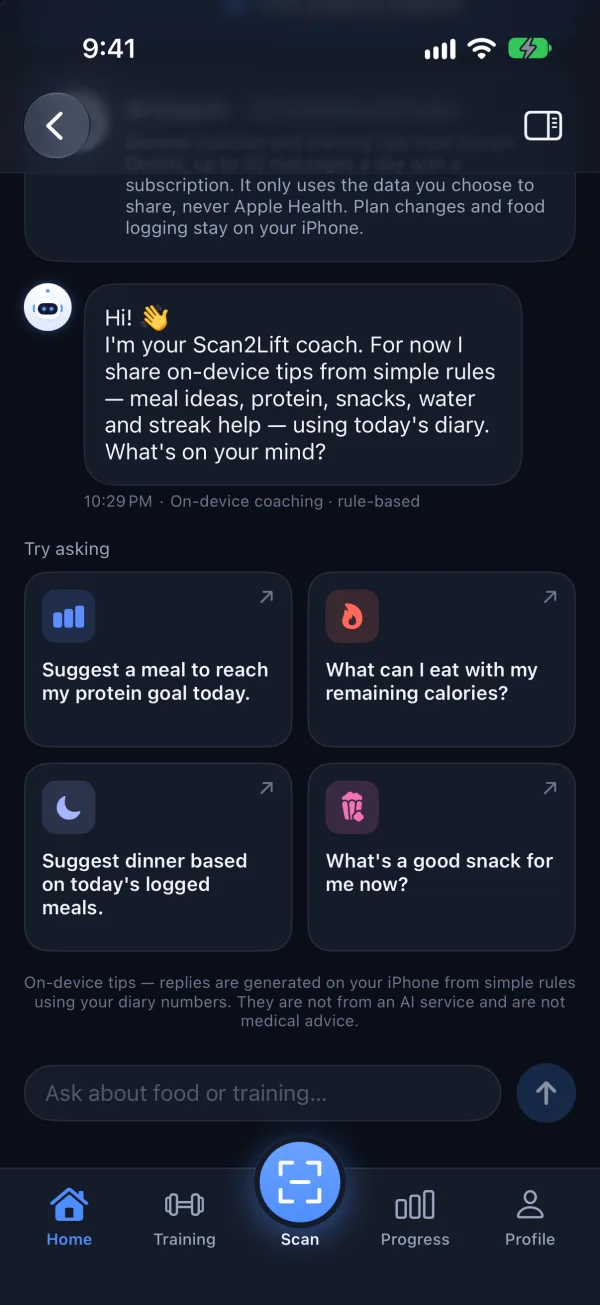
Scan2Lift AI Coach chat with suggested questions about meals and workoutsScan2Lift AI Coach chat with suggested questions about meals and workouts

AI Coach

Ask. Log. Get advice that fits your day.

One Coach follows you through Scan2Lift, on Home, food, recipes, training and progress, and answers with today's numbers in mind.

  • Meal ideas for your remaining calories or protein goal.
  • Log food by typing it, such as “two slices of toast, a tablespoon of peanut butter and a banana”. You check and edit the preview, and nothing is logged until you confirm.
  • Help adapting a recipe, picking today's workout or moving a training day. Plan changes apply only after you confirm.
  • Stays on nutrition, fitness and your progress. General guidance, not medical advice.

How it works: Coach replies are written by Google Gemini, only after you turn on AI Data Sharing (18+). You choose what the Coach may read in Privacy Choices ▸ AI Coach Data, all off by default; Apple Health data is never sent. What is shared

Personalized training

A plan built around you. A guide for every set.

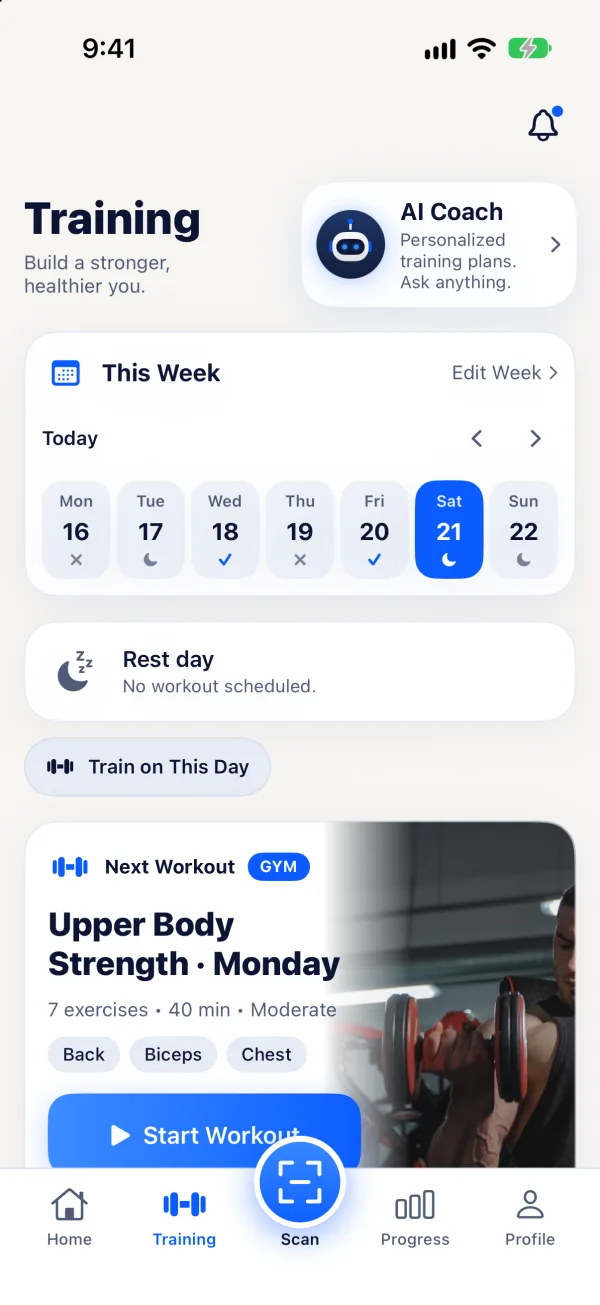
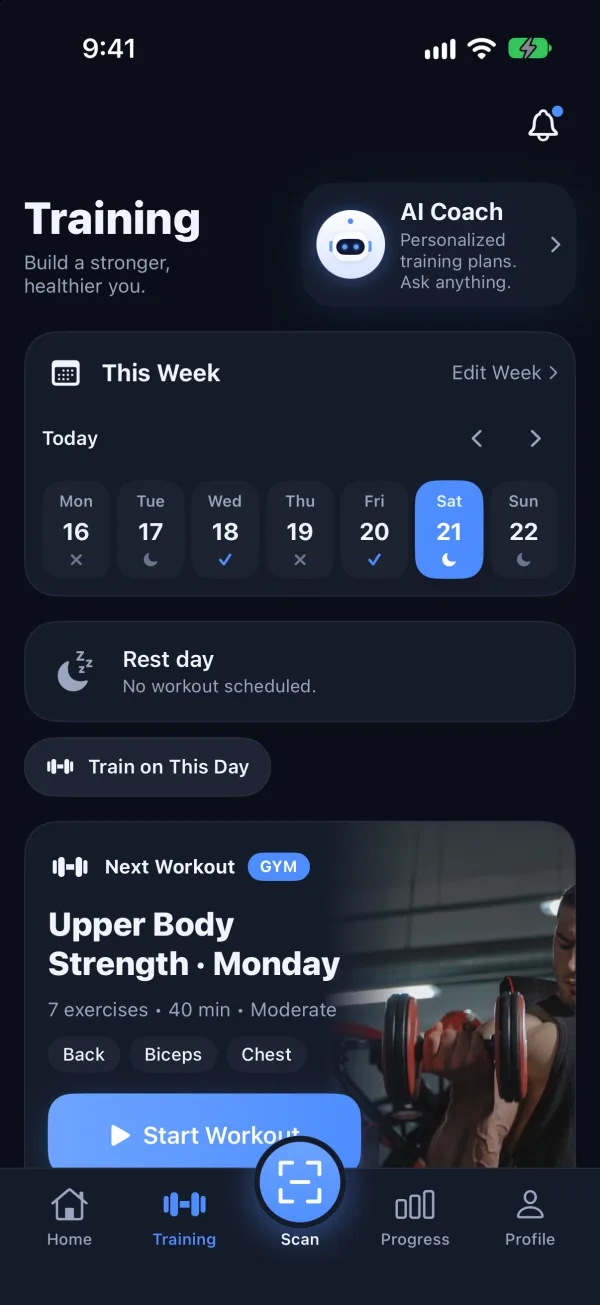
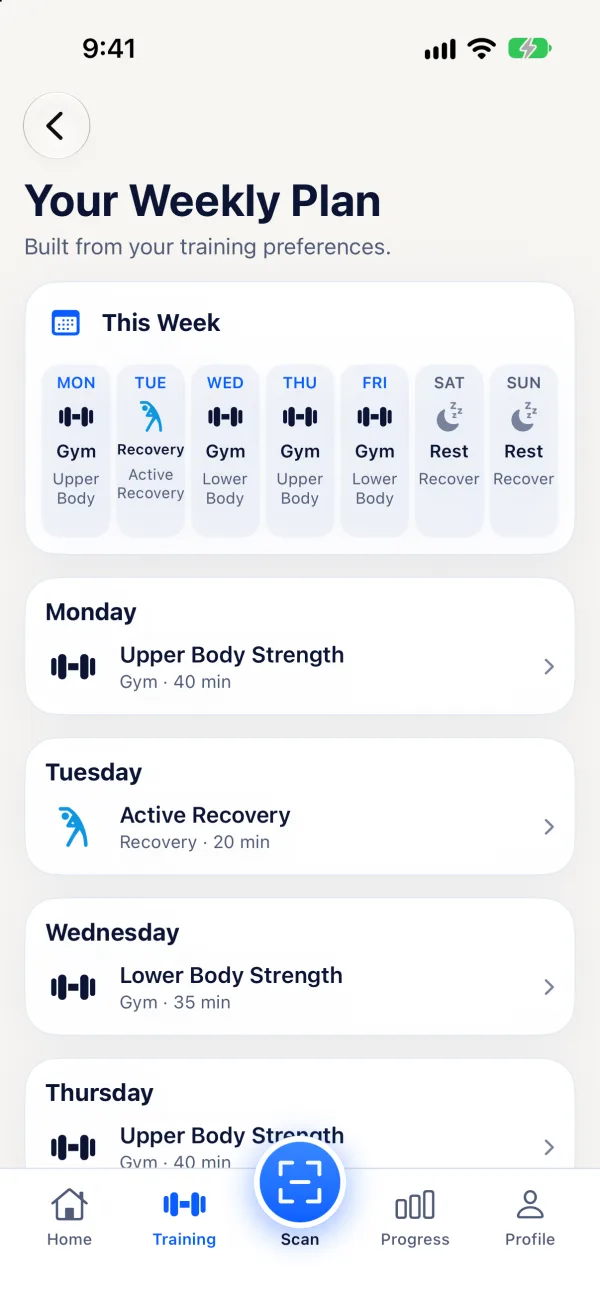
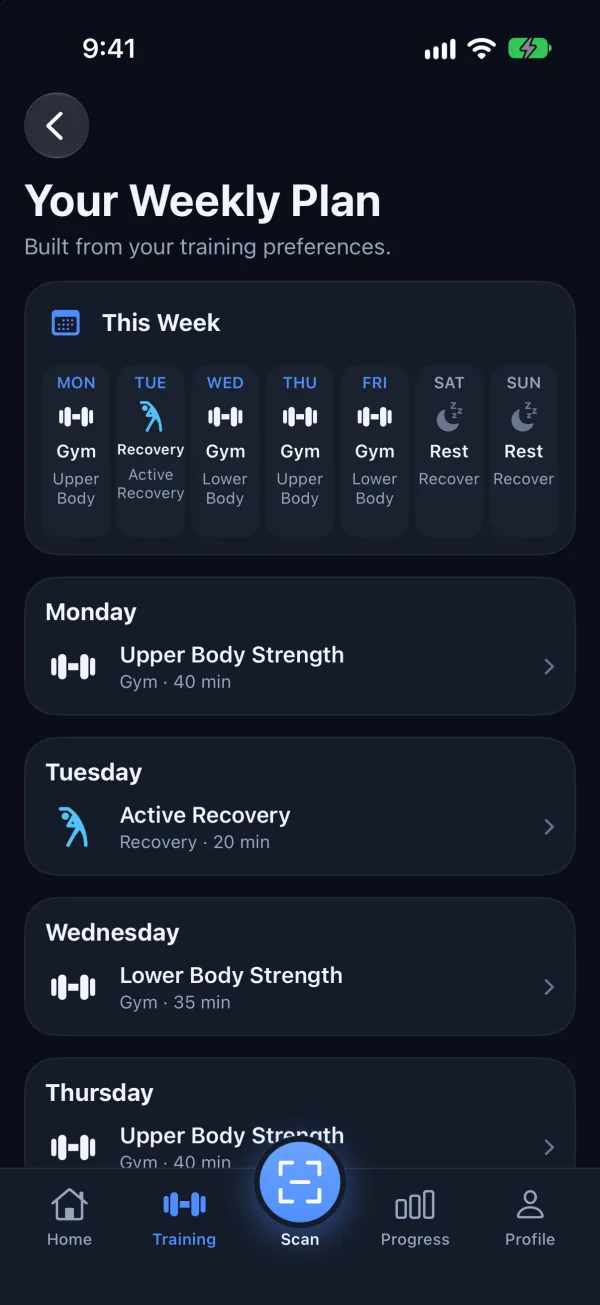
Tell Scan2Lift your goal, experience, how many days you can train and what equipment you have. It builds a weekly plan you can rearrange any time.

Scan2Lift weekly plan: upper body, recovery and lower body days through the weekScan2Lift weekly plan: upper body, recovery and lower body days through the week

Your weekly plan

Goals for muscle gain, fat loss, strength or general fitness, 2 to 6 days a week, at the gym, with dumbbells or bodyweight at home. Move days, swap or add exercises.
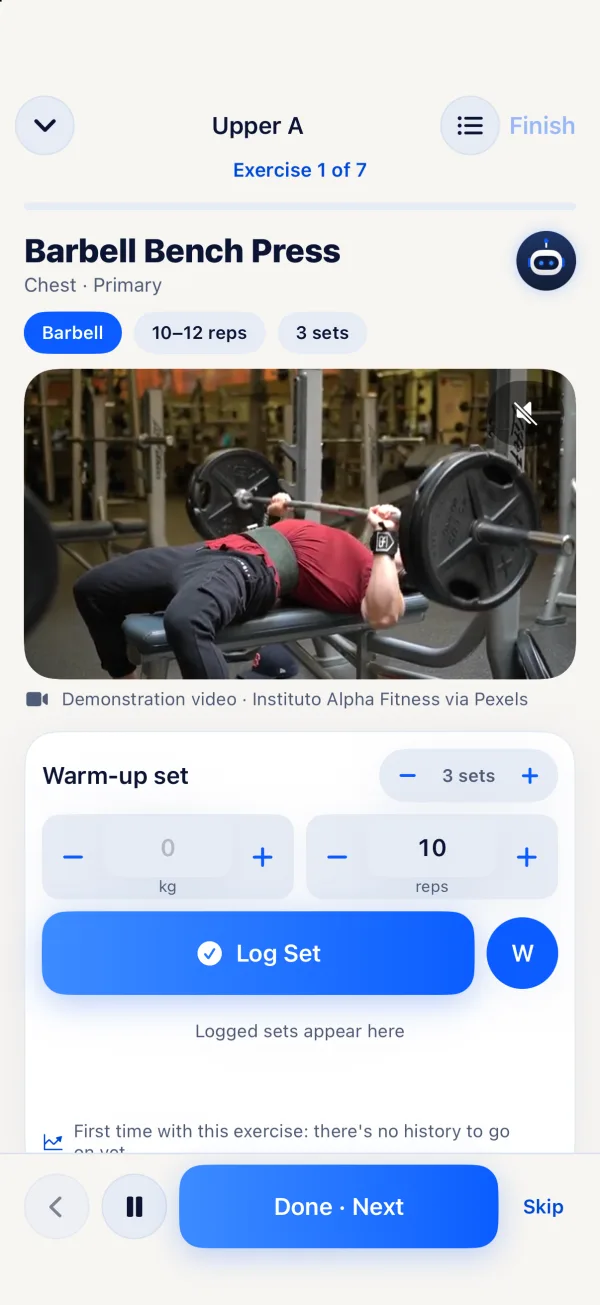
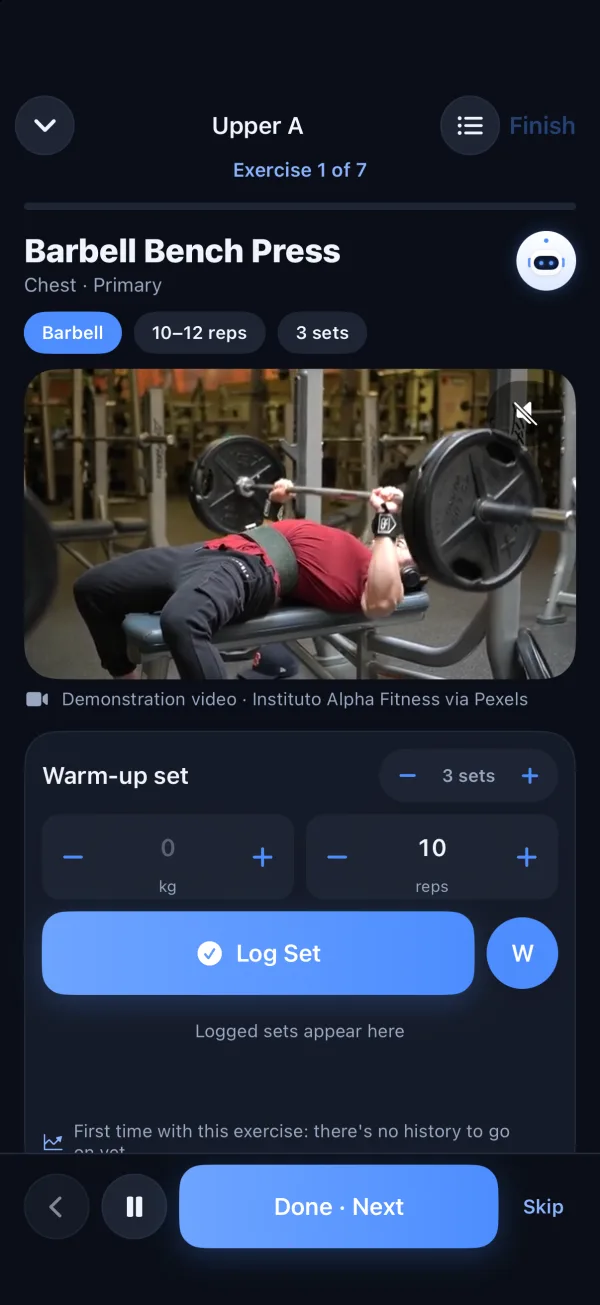
Scan2Lift guided workout: Barbell Bench Press with a demonstration video and set loggingScan2Lift guided workout: Barbell Bench Press with a demonstration video and set logging

Guided workouts

Each exercise with a demonstration video where one is available, set-by-set logging of reps and weight in kg or lb, a rest timer, and your numbers from last time.
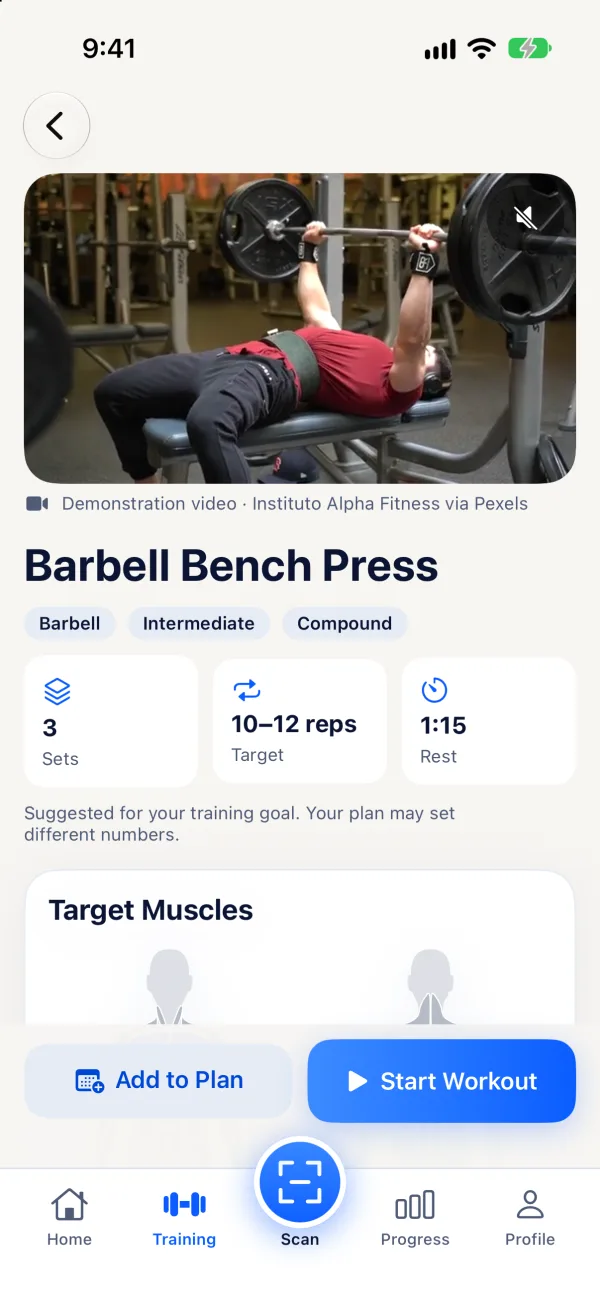
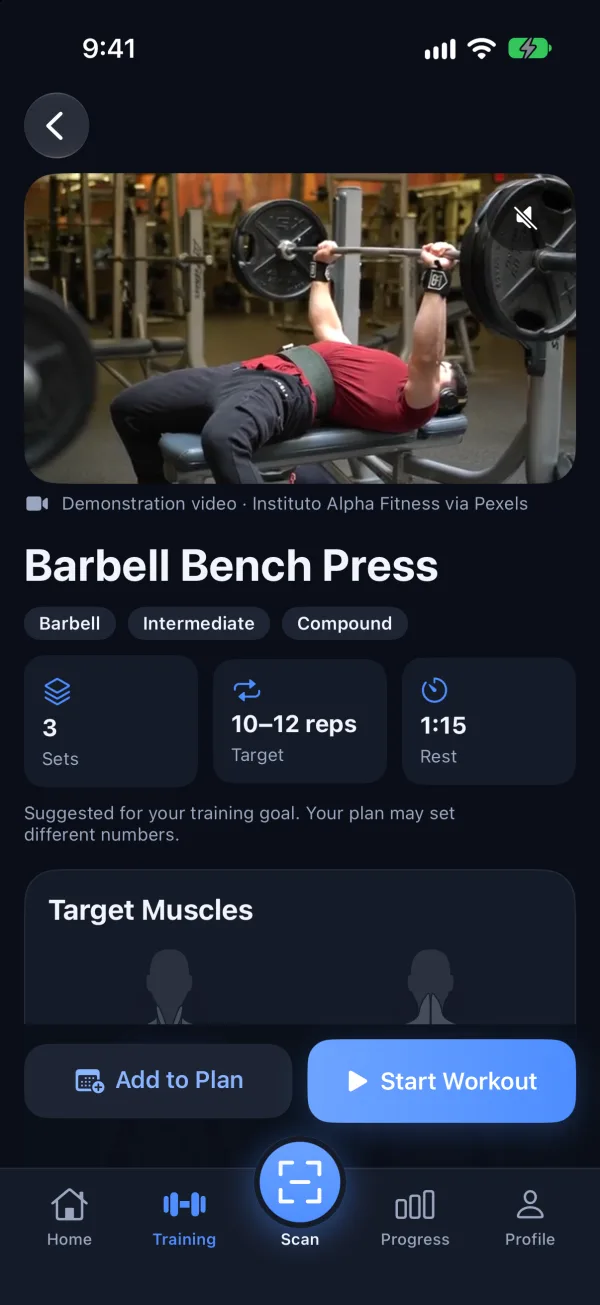
Scan2Lift exercise detail for Barbell Bench Press with sets, reps, rest and target musclesScan2Lift exercise detail for Barbell Bench Press with sets, reps, rest and target muscles

Progress you can measure

Next-session targets from your last workout (Scan2Lift suggests, never raises weights on its own), personal records with estimated one-rep max, and full history.

Apple Health & progress

Real progress. Lasting results.

Progress puts nutrition and training together: weight trend, macro and workout consistency, calorie adherence, body composition and health trends, from 7 days to a year.
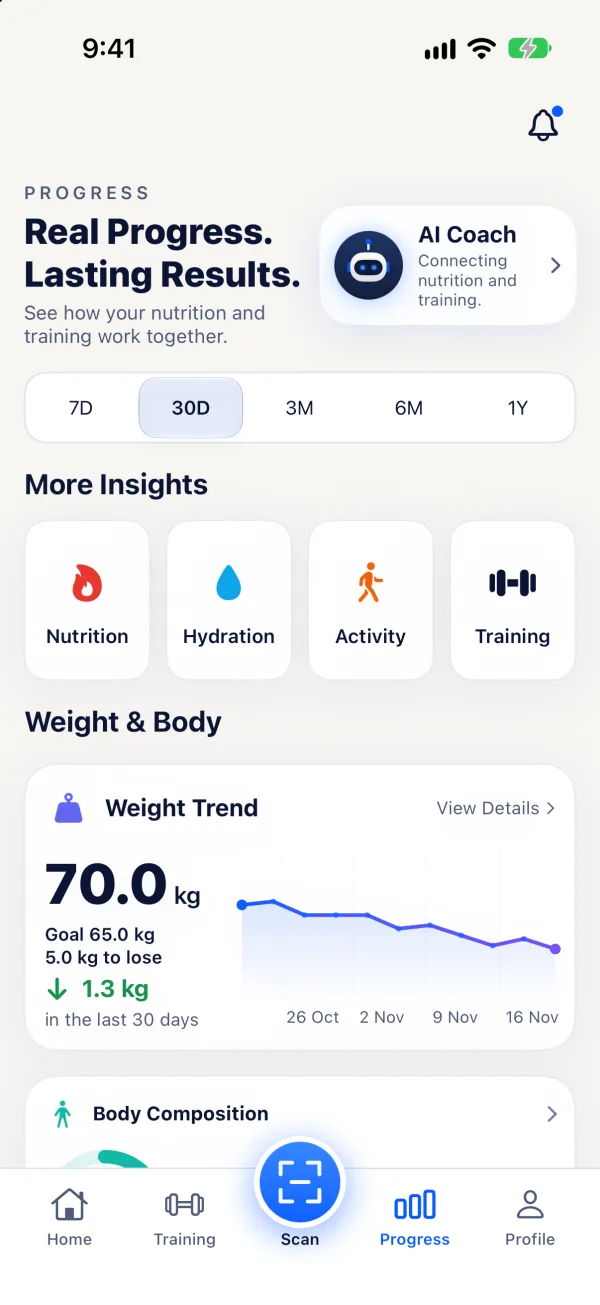
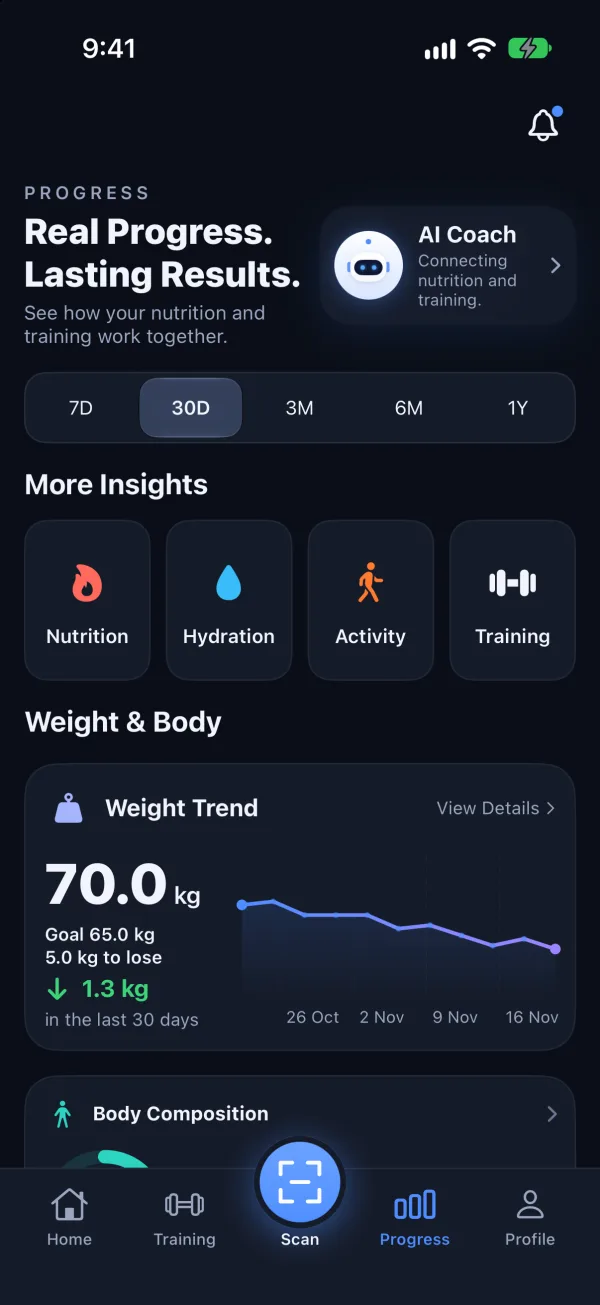
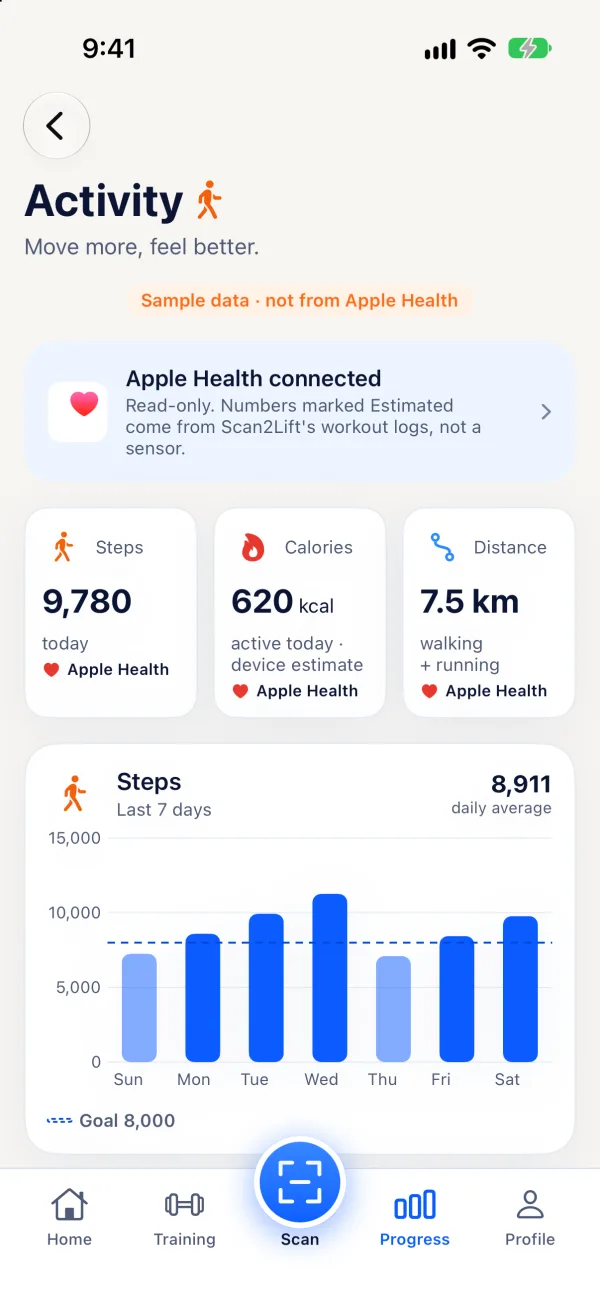
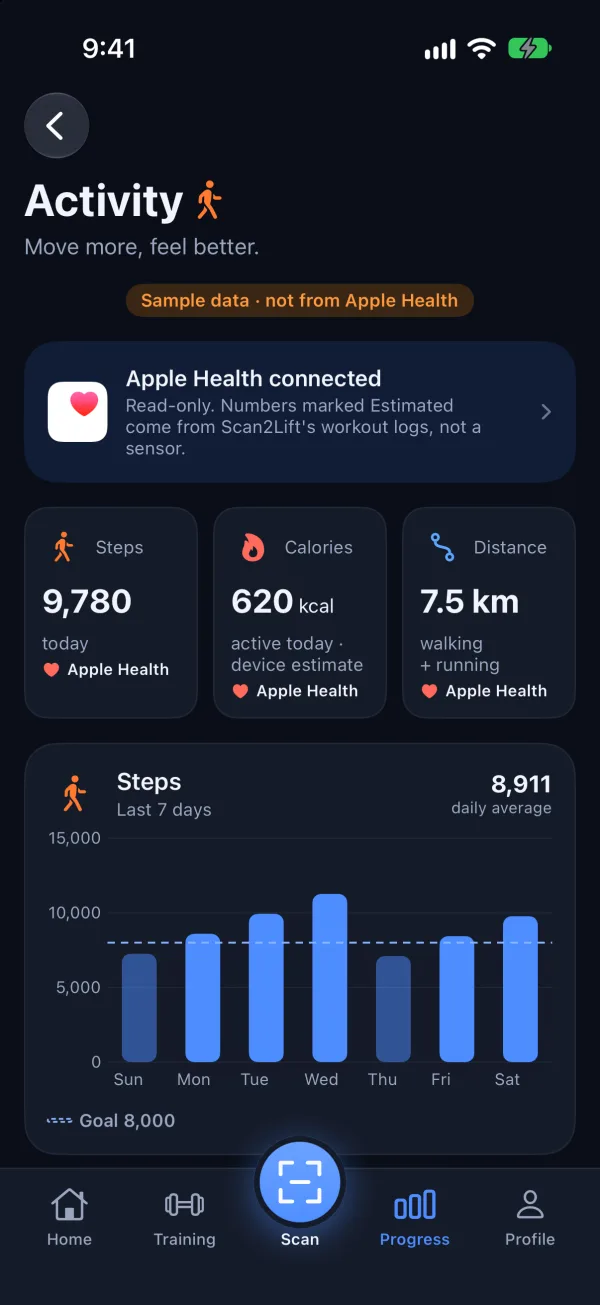
  • Works with Apple Health, read-only. With your permission Scan2Lift reads steps, heart rate, resting heart rate, sleep, active energy, distance and workouts.
  • Health data stays on your iPhone. Scan2Lift never writes to Apple Health, and Health data is not synced, exported or sent to AI.
  • Every number shows its source: Apple Health, your Scan2Lift log, or an estimate.
Scan2Lift Progress: weight trend, macro consistency and workout consistencyScan2Lift Progress: weight trend, macro consistency and workout consistency
Scan2Lift Activity with steps, active calories and distanceScan2Lift Activity with steps, active calories and distance

Share your day

Show the work. Share the day.

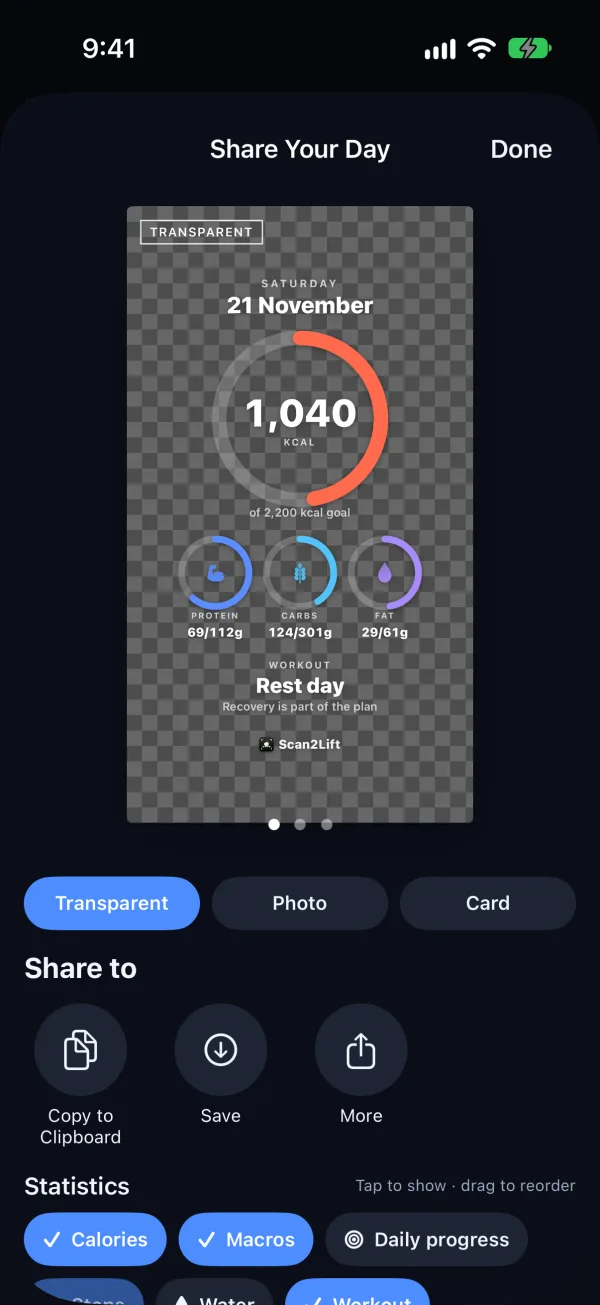
Turn a day of nutrition and training into an image for your story or feed.
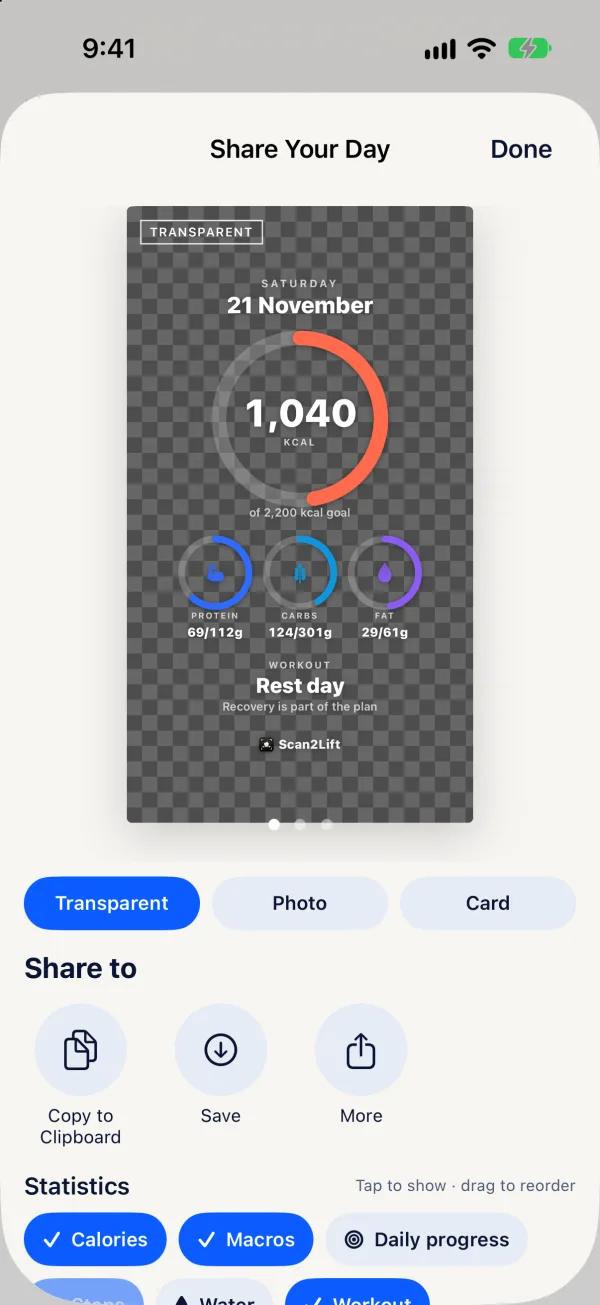
  • Three styles: Transparent for stickers on your own photo, Photo, or Card.
  • Pick the statistics to show, such as calories, macros, water and your workout, then tap or drag to reorder them.
  • Story or Square format. Copy, save to Photos or share straight to another app.
Scan2Lift Share Your Day: a preview card with calories and macros, style and statistic choicesScan2Lift Share Your Day: a preview card with calories and macros, style and statistic choices

Subscription

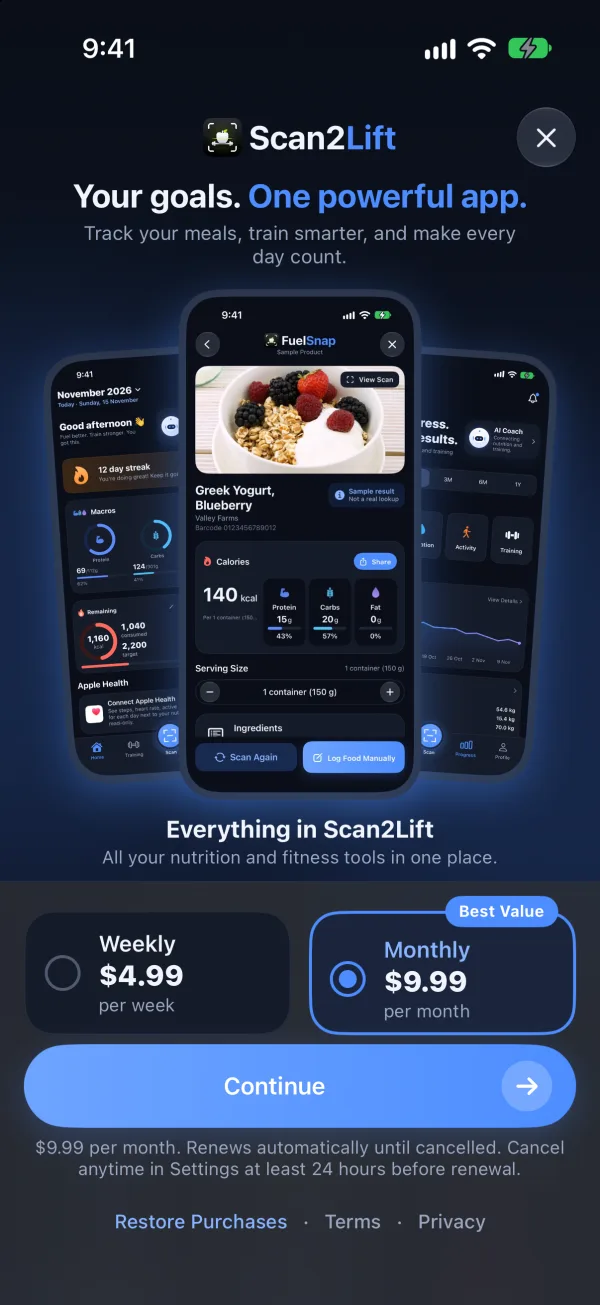
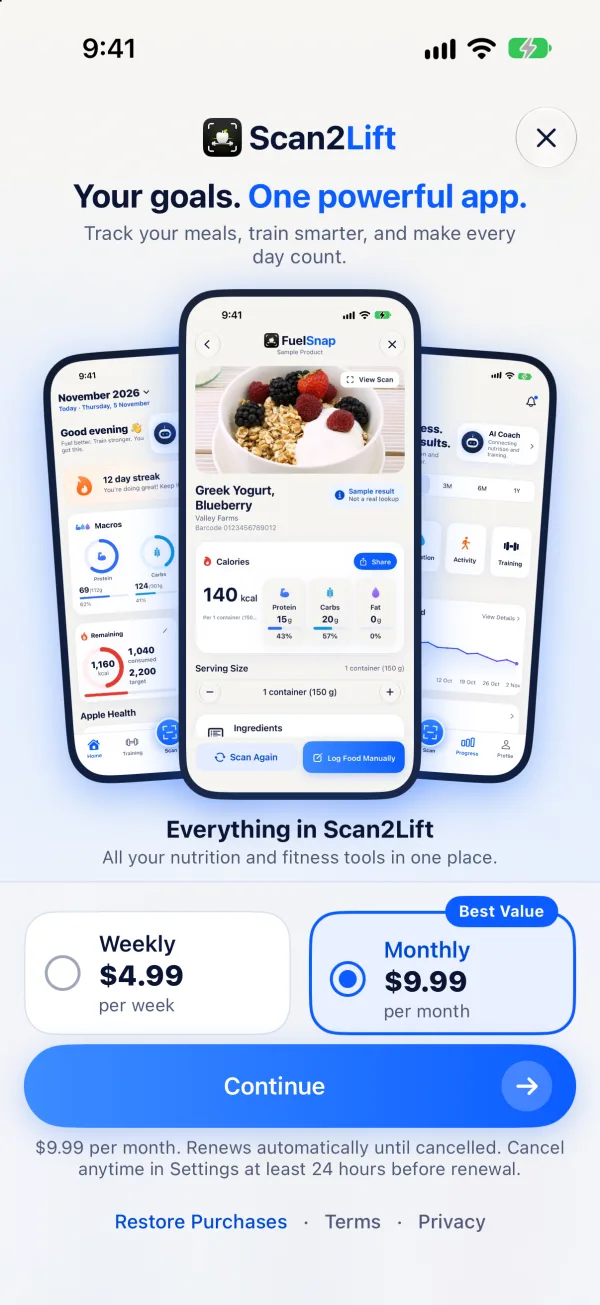
Fuel your goals. Start with 3 days free.

One subscription unlocks everything in Scan2Lift. Try it before you subscribe with Explore Demo, no account needed.

  • AI food scans

    Log any meal from a photo.

  • Custom workouts

    Training plans for your goals.

  • AI Coach

    Meal ideas, food logging and training help.

  • Macro tracking

    Calories, protein, carbs and fat.

  • Progress insights

    Trends that show what's working.

  • Works with Apple Health

    Steps and heart rate, read-only.

Weekly

AED 14.99 a week

Monthly

AED 39.00 a month, 3-day free trial
  • • Prices in UAE dirhams (AED). The App Store shows the price in your local currency, and the app shows it before you subscribe.
  • • The free trial is for eligible new subscribers on Monthly, once per Apple Account. Apple decides eligibility.
  • • Renews automatically until you cancel, at least 24 hours before the period ends, in Settings ▸ your name ▸ Subscriptions.
  • • AI Meal Scans and Coach messages have fair-use daily limits; the app shows how many you have left.
Subscription, trial and cancellation details
Scan2Lift subscription screen: Your goals. One powerful app., with weekly and monthly plansScan2Lift subscription screen: Your goals. One powerful app., with weekly and monthly plans

FAQ

Questions, answered.

Is Scan2Lift available yet?
Not yet. Scan2Lift for iPhone is in final testing. This page will link to the App Store as soon as it is published, in every App Store region except mainland China. The app is in English.
Is there an Android version?
No. Scan2Lift is an iPhone app, and there is no Android version at this time.
Is there a free version?
You can look around for free with Explore Demo: it shows sample data, needs no account and saves nothing. Logging food, workouts and progress needs an account and a subscription, which can start with a 3-day free trial on the monthly plan.
How does the free trial work?
New subscribers to the monthly plan get 3 days free, once per Apple Account. The app only offers the trial when Apple confirms you are eligible. If you cancel during the trial you are not charged; otherwise the plan starts when the trial ends.
How accurate are the calorie and macro numbers?
Scans and food lists give estimates, and estimates can be wrong. Scan2Lift shows every value before you log it so you can correct it. Barcode results come from Open Food Facts, and products with incomplete data are never filled in with guesses.
What is sent to AI, and can I say no?
AI Meal Scan and the AI Coach are optional and off until you turn on AI Data Sharing (18+). When on, the meal photo you scan and your Coach messages go through Scan2Lift's server to Google's Gemini API. Your name, email and account ID are not sent, Apple Health data is never sent, and photos are not stored by Scan2Lift. Manual logging, barcode and label scans keep working without it. Read the AI Data Sharing disclosure.
Does Scan2Lift use my Apple Health data?
Only if you connect it, and only to read: steps, heart rate, resting heart rate, sleep, active energy, distance and workouts. It never writes to Apple Health, and Health data stays on your iPhone. It is not synced, exported or sent to AI.
How do I cancel my subscription?
On your iPhone, open Settings ▸ your name ▸ Subscriptions ▸ Scan2Lift, or Profile ▸ Account & Data ▸ Manage Subscription in the app. Deleting your Scan2Lift account does not cancel billing. More on subscriptions.
How do I delete my account?
In the app: Profile ▸ Account Settings ▸ Delete Account. What is deleted and how.
Who is Scan2Lift for?
Adults (18+) who want to understand what they eat and train with a plan. It gives general nutrition and fitness information and is not medical advice.

Fuel better. Train stronger.

Scan2Lift is coming to iPhone. Here is where to get it once it's out.

Download for iOSComing soon to the App StoreDownload for AndroidNot available yet